RWPLAY1
A downloadable emulator for Windows, macOS, and Linux
RWPLAY1 is a fantasy console built on a 32-bit RISC-V processor, with open SDK for creating games and any kind of applications.
Specifications
- CPU: RISC-V 32-bit @ 8 MHz with I, M, F, D, Zba, Zbb extensions.
- Memory: 524 KB of RAM.
- Graphics: Three framebuffers at different resolutions (960×540, 640×360, 480×270).
- Pixel Format: ARGB1555 (32768 colors + transparency).
- 2D Accelerator: Hardware blitter for lightning-fast rendering of rectangles, circles, and sprites.
- Audio: 8 independent voices, 22.05 kHz.
- Sound Formats: PCM and compressed IMA ADPCM.
- Input: Support for 2 gamepads with analog sticks, triggers, and rumble.
- NVRAM: 64 KB of non-volatile memory for permanent data storage - game saves, etc.
- External storage: Supports a bootable image up to 2 MB in size.
- Hardware PRNG: Random number generator.
- DMA: Reading and writing of a big chunks of memory from/to external storage and NVRAM.
Developing
- SDK: Complete development kit with documentation and examples.
- Debugging: Built-in GDB support for step-by-step debugging
- Language: The main language used for the SDK is Zig. But you can write in any language that supports freestanding RISC-V and help with porting the SDK to other languages.
- UART: Write data to the serial output.
Future
The emulator's source code is closed at the moment, but I plan to release the source code with a license like MPL 2.0 or Apache 2.0 someday so that you can ship your open-source/proprietary software with the emulator. But some parts of the emulator (like the RISC-V CPU) are already open-source.
Links
- SDK - GitHub.
Download
Install instructions
Running
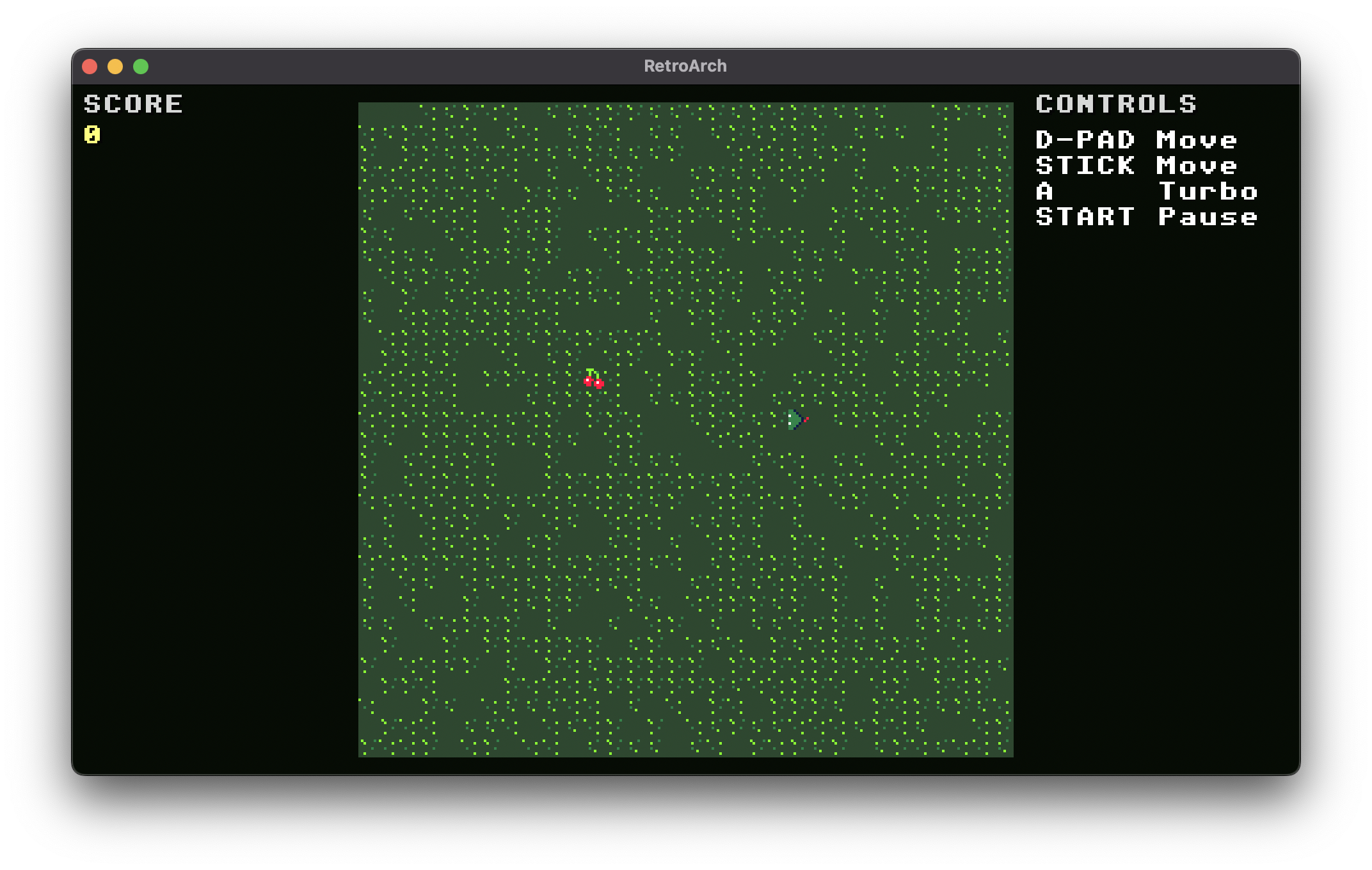
The console is distributed as an emulator in the form of a libtretro core (TLDR: you will need RetroArch or similar software to run the console emulator). To run a game (or any other software) you need a .rwpi file - a bootable image that the console can run. It's like a game ROM for a retro console. An image of a small demo game you can find on this page - snake.rwpi.
Downloading
For RetroArch download the .info file for your edition (regular or dev) and place the file in the info folder. Then download the edition of the core you want for your OS (Windows, Linux or macOS) and CPU architecture. After downloading - strip the prefix (like aarch64- or x86_64_v2-) in the name so it should be like rwplay1_libretro.dll, rwplay1-dev_libretro.so and so on. For RetroArch place them in the downloads folder.
Choosing Guide
If you have an x86_64 processor, download files with the prefix x86_64_v4 if your processor was released around 2017 and later, or x86_64_v2 otherwise. For Linux there is also ARM64 binaries prefixed with aarch64. macOS binaries are universal (works both on Intel and ARM64).